
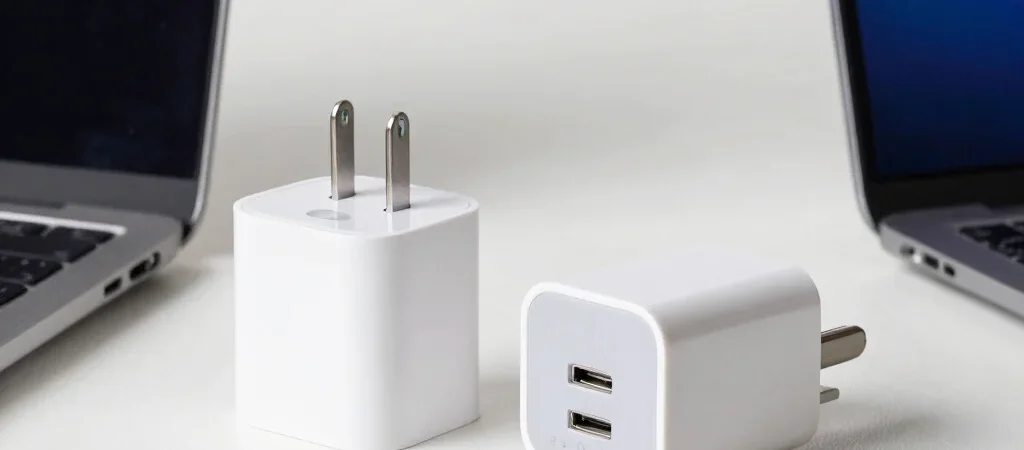
At a desk, one charger may need to power a laptop and phone; in a travel bag, a compact single-port option may be easier to pack. Comparing chargers makes more sense when you begin with that real use, not the largest number on the box. The right choice depends on your devices and how you use them.
Start with your devices
Check the charging requirements for the specific phone, tablet, or laptop you plan to connect. A charger’s maximum output doesn’t guarantee that every connected device will use it, and multi-port models may divide available power between ports. Consult the device maker’s guidance if compatibility is unclear.
Compare ports and cables
Count the connections you’ll use at the same time, then check what cable types the charger supports and whether a cable is included. For a shared bedside table, several useful ports may matter more than the smallest body. For a work bag, fewer ports can be a fair trade if the size and cable setup suit your routine.
Read the fine print
Look for clear output information for each port, especially when more than one device is connected. Compare the physical size, plug design, and any safety or compatibility details supplied by the manufacturer. If a listing gives a headline wattage but leaves out how output changes across ports, you don’t yet have enough information for a clean comparison.
Choose for your routine
Write down the devices you’ll charge together, the ports you need, and the size you’re willing to carry. Those three checks narrow the choice without treating a higher specification as an automatic upgrade. Deals or Finds may earn a commission from affiliate links; recommendations should still make clear what’s confirmed and what you’ll want to verify.